The SafetyLeads product

Searchable workplace safety intelligence for prospecting.

SafetyLeads helps safety solution providers search workplace injury, inspection, citation, employer-summary and related records, then review account context before outreach. The product is a research and prioritization workflow—not a purchasing-intent model.

01 / Find with signals

Search the conditions behind the account.

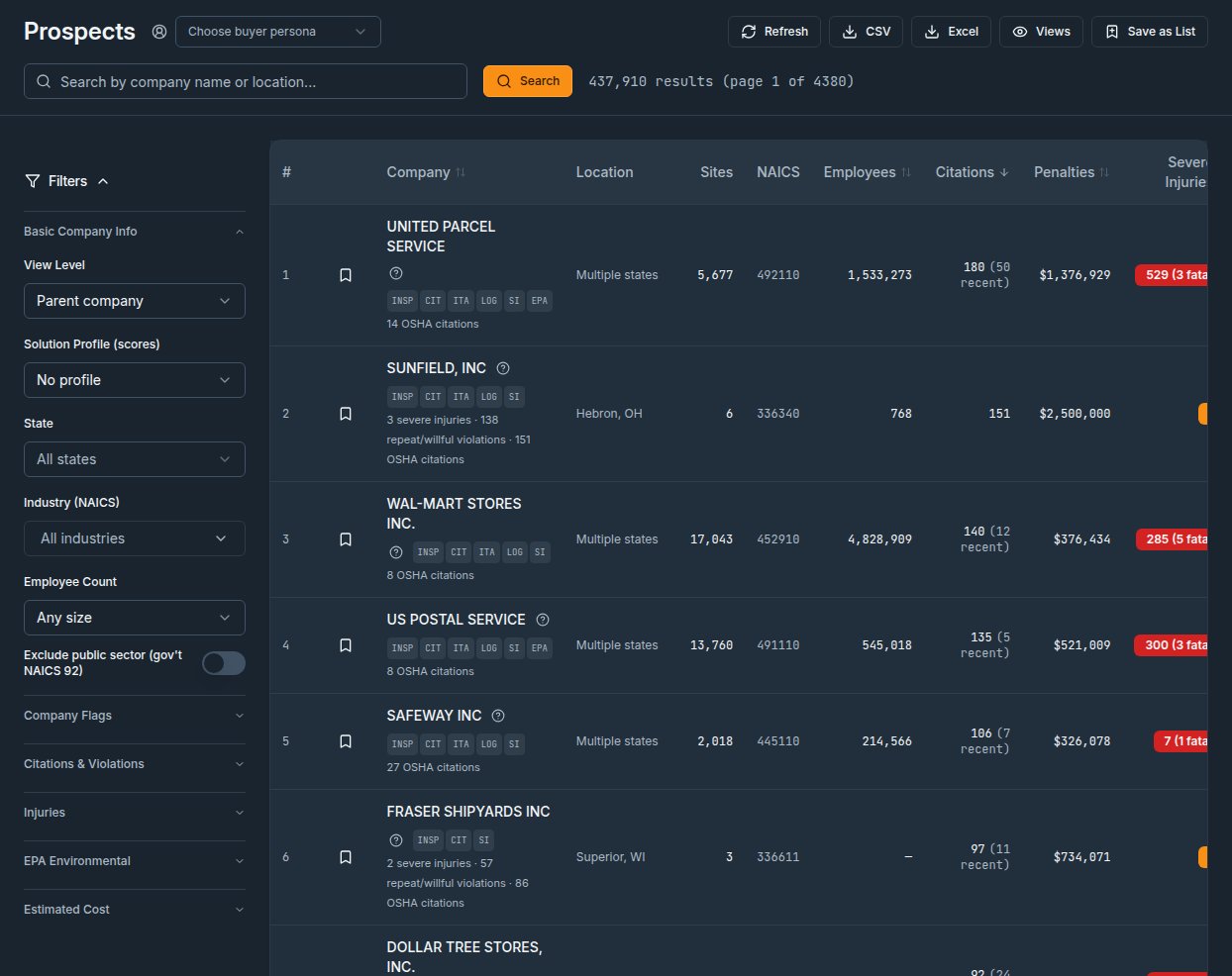
Start with industry and geography, then narrow by injury type, hazard, OSHA standard, inspection activity, citation history, severe incidents, TRIR, DART, employer size, recency and trends over time. Each filter describes a source-backed field, not a guarantee about current conditions.

Injury patternsInspectionsCitationsSeverityFrequencyRecency
Product previewIllustrative search view

Find accounts by observable conditions

Signal filters

Industry · Manufacturing
State · Select a state
Citation history
Severe injury reports
Employer-reported rates
Matching prospectsSORT: SOURCE DATE

Establishment record

Location and employer context

Open source record

Inspection record

Inspection and citation context

Review dates

Injury record

Reported event context

Verify at source
Product previewIllustrative company profile

Go into every conversation with context

Events

Source records

Review dates

Citations

Enforcement

Open details

Peer context

Benchmark

Check scope

01Injury and illness records
02Inspection activity and dates
03Industry-relative benchmarks
02 / Understand the account

Evidence behind every priority.

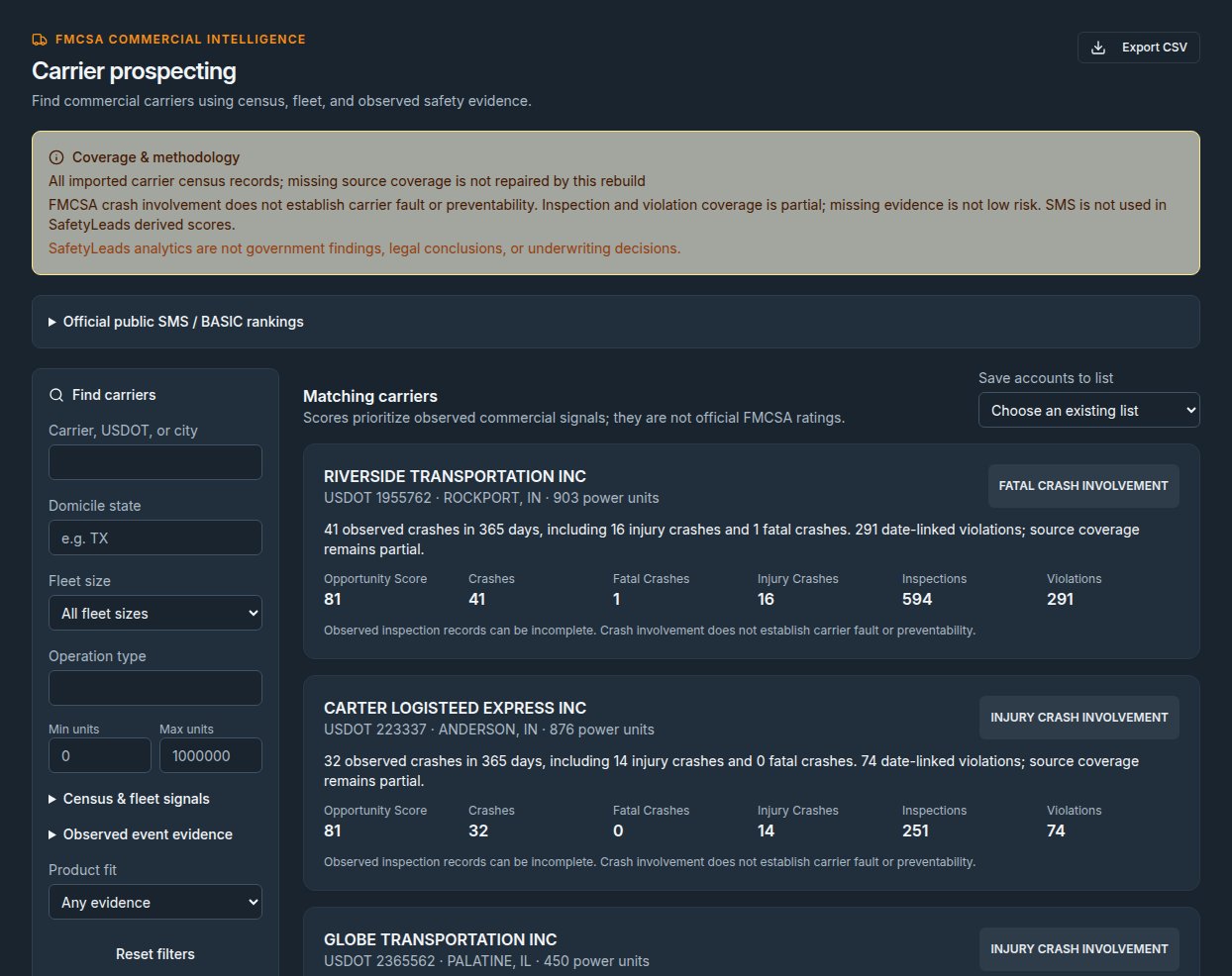
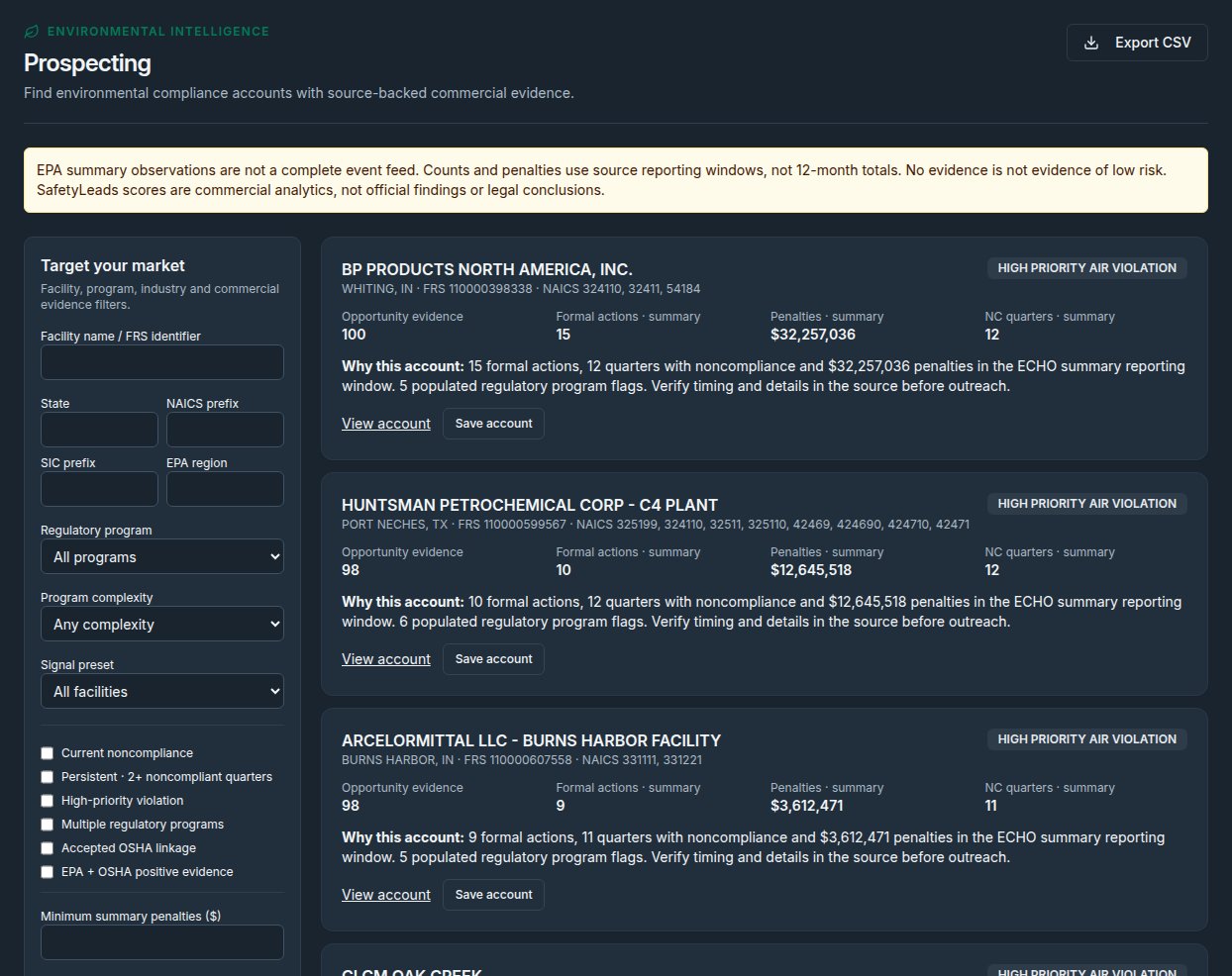
Review injury activity, event classifications, inspections, citations, penalties, severe incidents, peer benchmarks and trend context in a company profile. Check whether a record is establishment-level and review its source date before using it.

03 / Save the workflow

Make a useful screen repeatable.

Save a filter combination as a view, control visibility and re-run the search. Add accounts to lists when a record merits follow-up; saved views and lists organize research but do not automatically validate a prospect.

Product previewSaved views / lists

Turn a search into a repeatable workflow

Saved prospect search

Saved view · Re-run filters

Research list

List · Organize accounts

Shared view

Visibility setting · Team access

04 / Market intelligence

See patterns beyond one account.

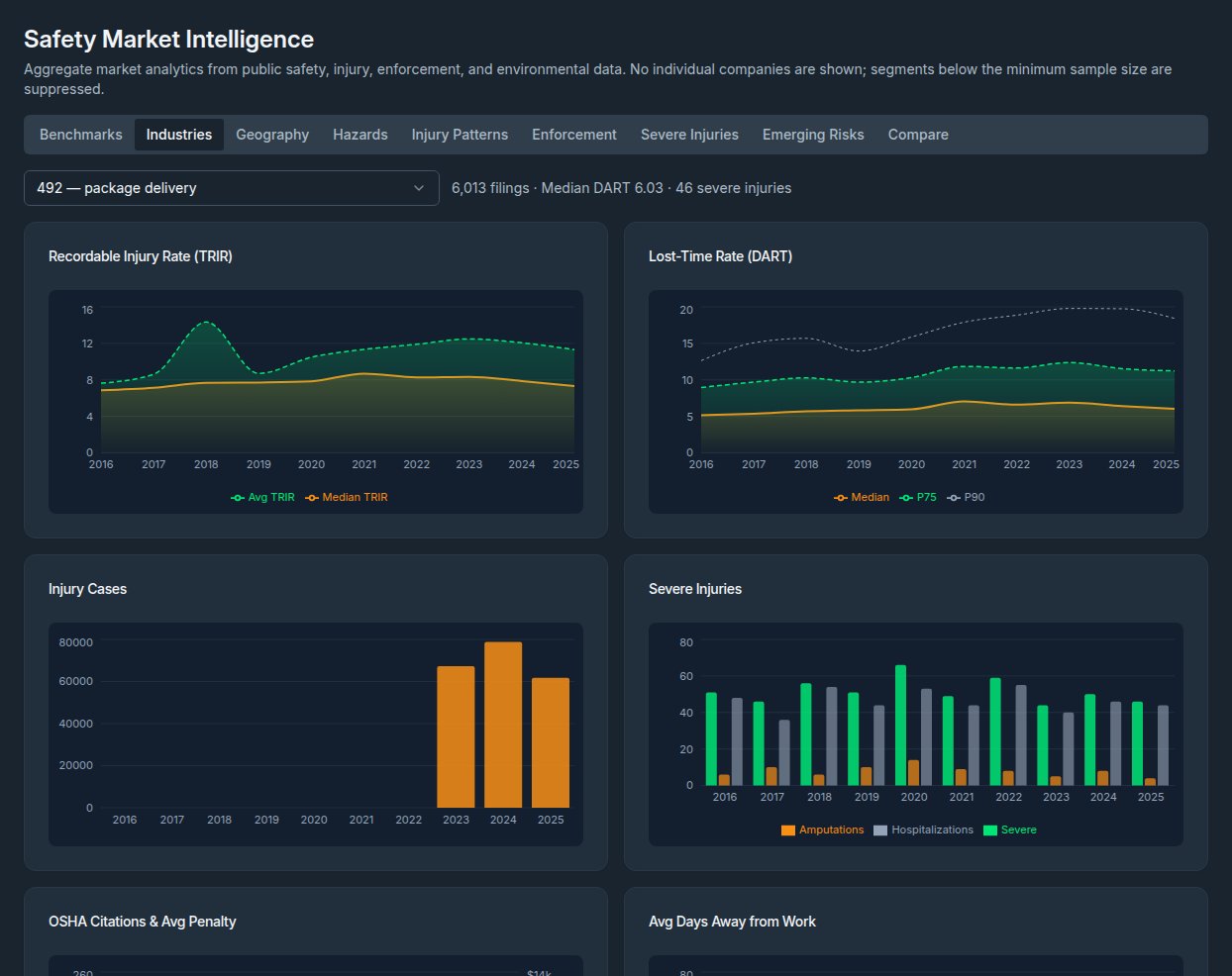
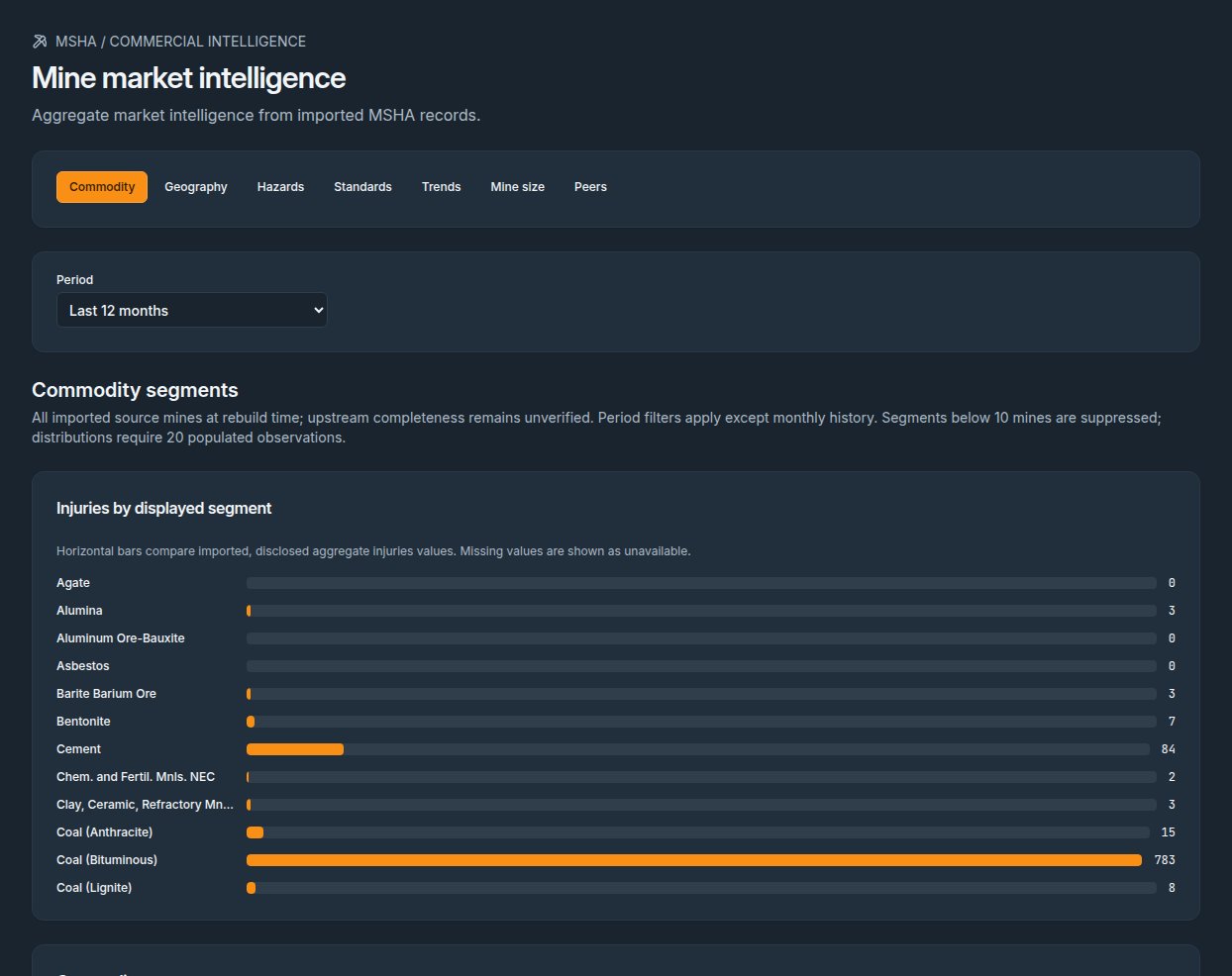
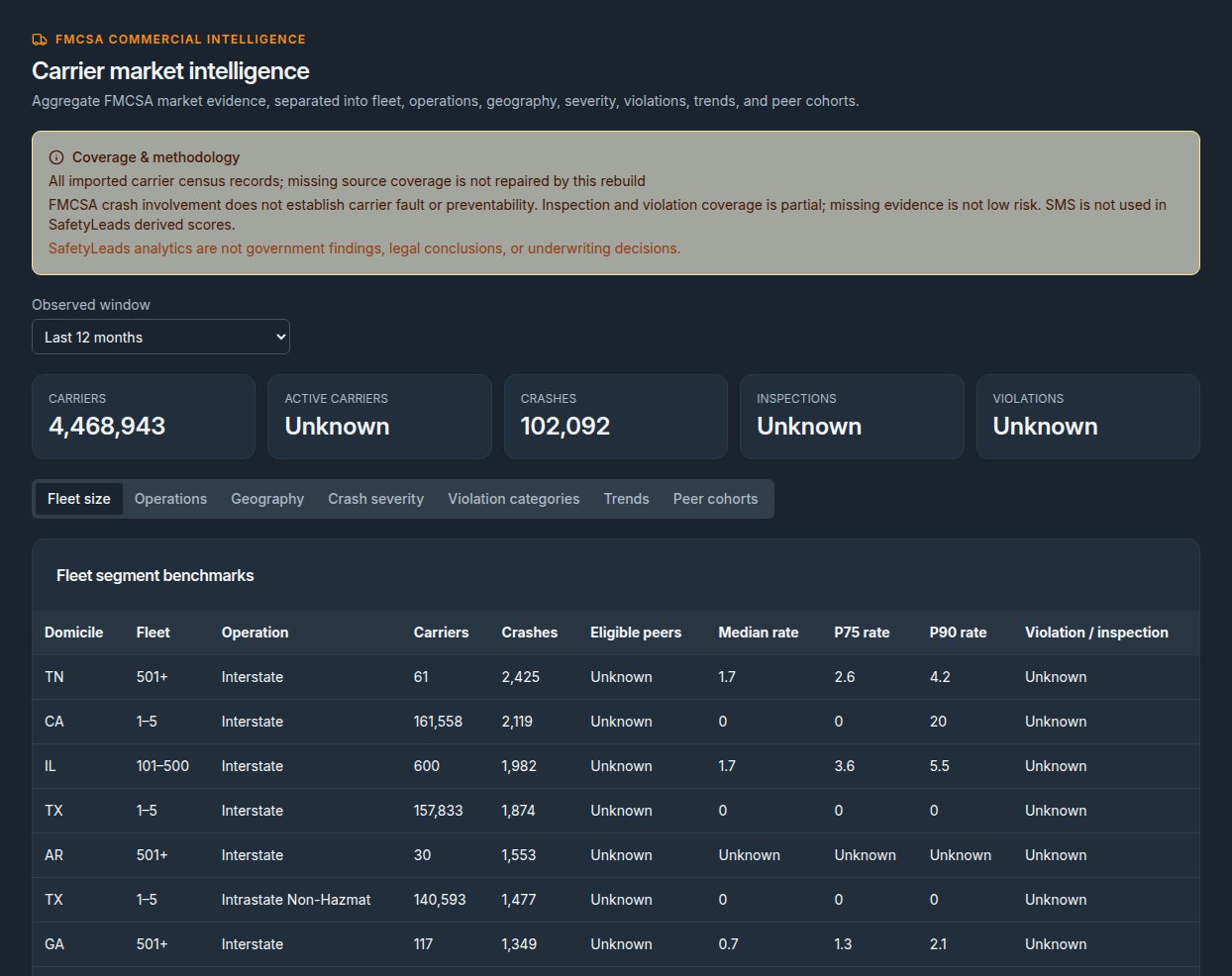
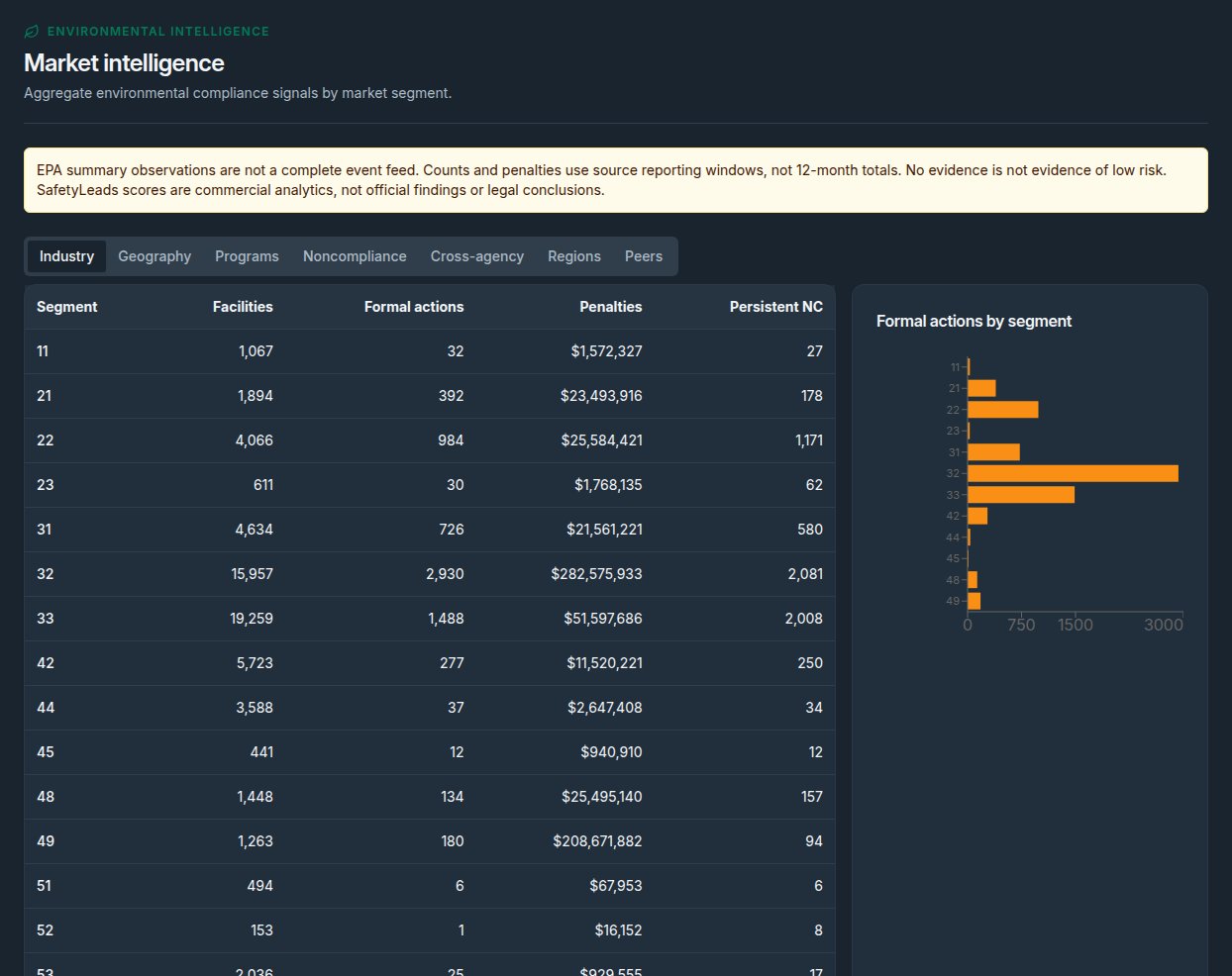
Move from account intelligence to market intelligence with analytics for industries, geography, employer segments, injury categories, enforcement trends, benchmarks and change over time.

Compare segments with source context.
Product previewIllustrative market view

Read the market at the level you need

IndustriesGeographyInjury patternsEmployer segments
Compare a selected segmentSource view

Illustrative chart treatment; values appear after a segment is selected.

05 / Monitor records

Review new events that match your rules.

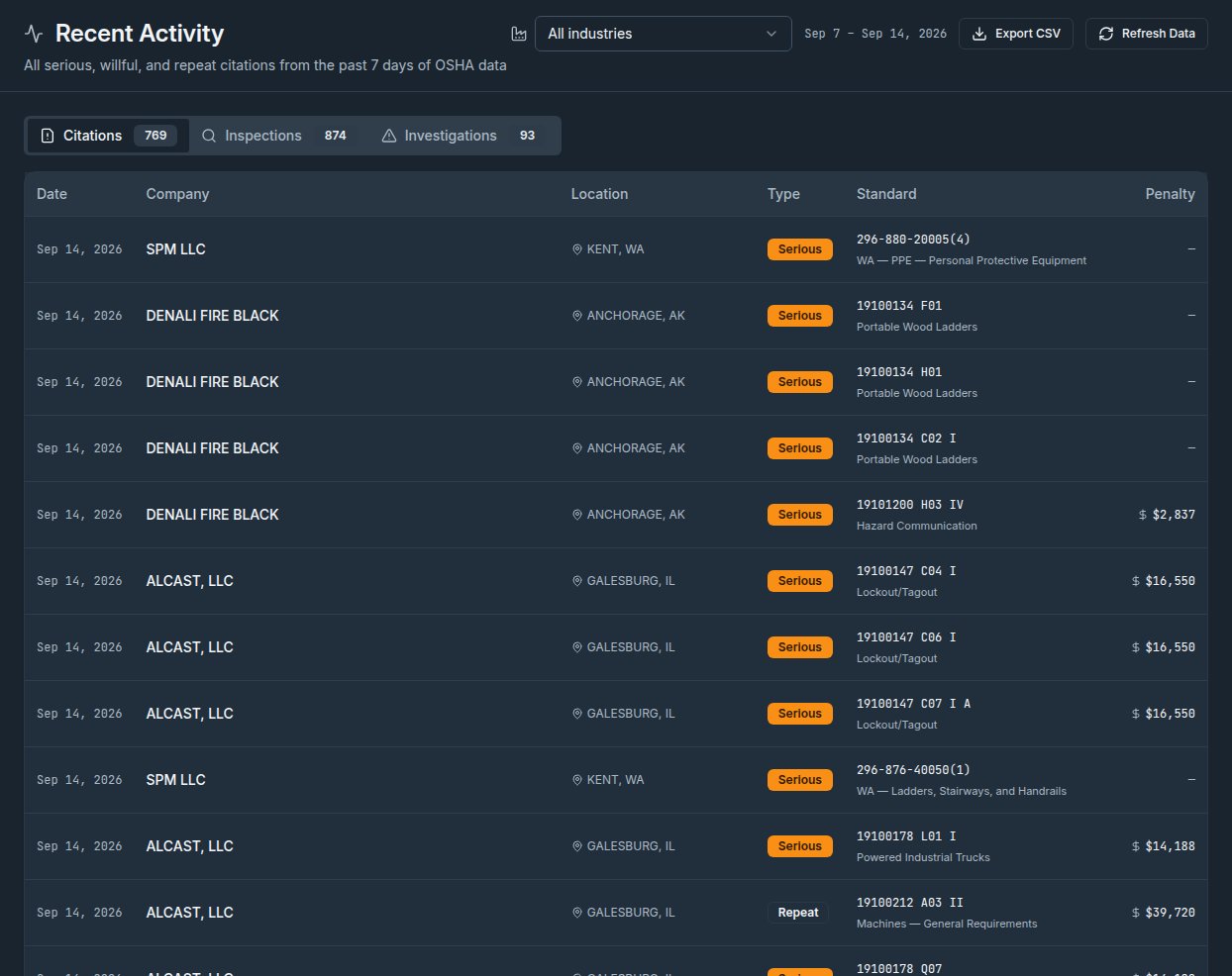
Create alert rules for citations, inspections, severe injuries and other observable safety events. New matching records can appear in the in-app alerts feed; email delivery is optional and depends on the configured email provider and worker. This is not a real-time guarantee.

Signals indicate observable conditions and possible research priorities, not purchasing intent.

Product previewAlerts / rules

Review new safety events

New citation EVENT

Matched account

Open source record

Inspection recorded EVENT

Matched saved view

Review event date

Severe injury report EVENT

Matched watchlist

Verify before outreach

01

Search

Structured records

02

Prioritize

Signal-based filters

03

Organize

Views and lists

04

Monitor

Configured event alerts

Questions before you evaluate

What does the product actually do?

Does SafetyLeads provide OSHA records?

SafetyLeads processes selected public OSHA and related records into searchable account context. OSHA and the originating agency remain the authority for the underlying record.

Can I export search results?

The application supports CSV and spreadsheet exports subject to the organization’s configured plan and monthly export quota.

Are alerts real time?

No real-time coverage is promised. Alerts depend on source ingestion, normalization and the configured alert worker; review the source date.

How should I interpret a score?

Scores help sort available evidence for a selected solution profile. They are not a forecast, a compliance judgment or proof of intent.

Read data definitions and limitations
Built from workplace injury, inspection, enforcement and compliance records. Signals indicate observable conditions and potential need; they do not represent purchasing intent.
Start with evidence

Turn safety intelligence into competitive advantage.

Identify the accounts that matter, understand the signals behind them, and execute a more precise go-to-market strategy.

Get started